
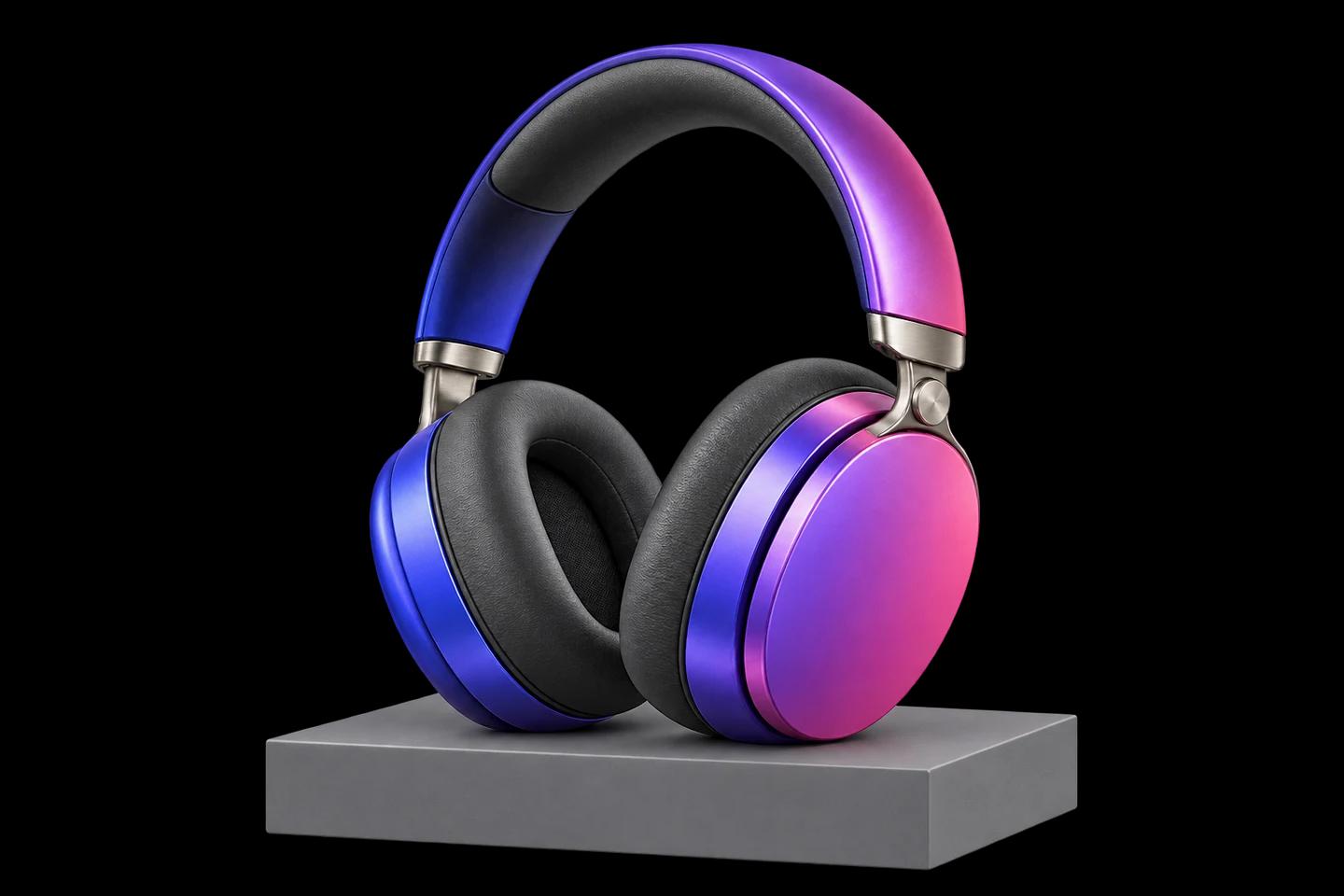
Generate from text
Produce lifestyle scenes, campaign banners, category visuals, and placeholders from a written brief, in the style and format your catalog requires.
AI image generation and editing
Create, edit, and refine product images inside your workflow, with your team in control of every final asset.
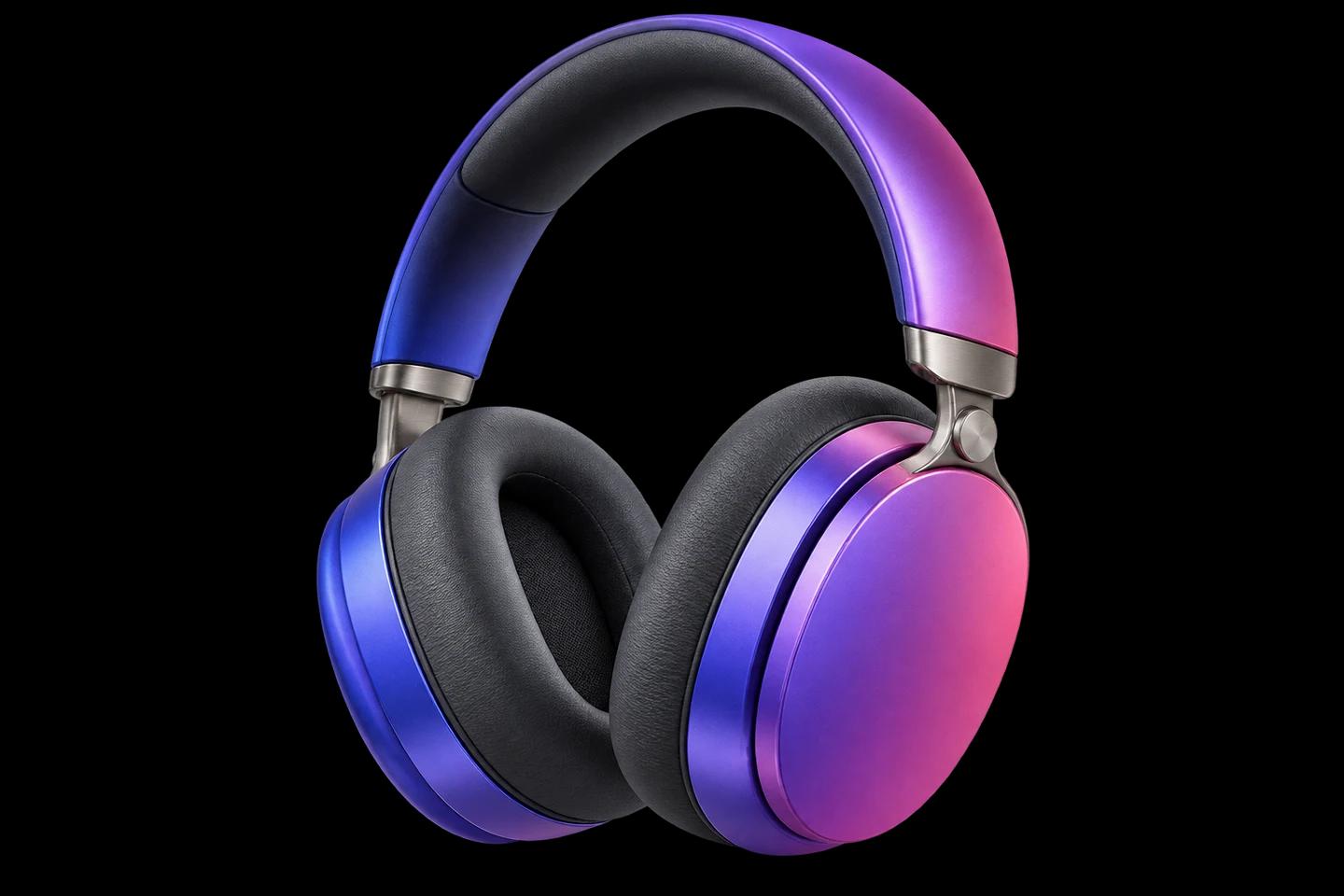
"Create a clean studio cutout. Keep the product and its brand colors intact."
Illustrative AI-generated examples
Your team has the final say. Add human approval before images reach your catalog.
From the first brief to the final detail, give your team the tools to create imagery that fits your catalog.
Produce lifestyle scenes, campaign banners, category visuals, and placeholders from a written brief, in the style and format your catalog requires.
Replace backgrounds, remove objects, recolor variants, or adjust details on an existing product photo with an optional mask, keeping the product itself intact.
Create alternative compositions for A/B tests and seasonal campaigns, then upscale with high-quality resampling for zoom views, print, and marketplace requirements.
Turn photos into structured descriptions, alt text, and attributes so your catalog stays accessible, searchable, and consistent across channels.
Agents keep track of the latest uploaded and generated image, so "make it blue" or "try a darker background" works as a follow-up message without re-uploading anything.
Run on Gemini or OpenRouter image models and change the provider or model per environment without touching your prompts, agents, or integrations.
How it works
Image tools are ordinary Fusioni tools: agents select them, Fusioni resolves which image to send, the result is stored as a media asset, and output variables carry it back to your system. Human approval can sit in front of every publish.
Attach a photo in chat, through the SDK, or from a form field in your back office. Fusioni stores it as a media asset for the conversation.
Staff write what they want in plain language. The agent interprets the request and chooses generate, edit, variations, upscale, or describe.
Fusioni resolves the image reference, forwards it to the Fusion Image MCP server, and returns the result with a preview in the gallery.
Ask for another round, approve the result, and let output variables deliver the final image to your product record or asset library.
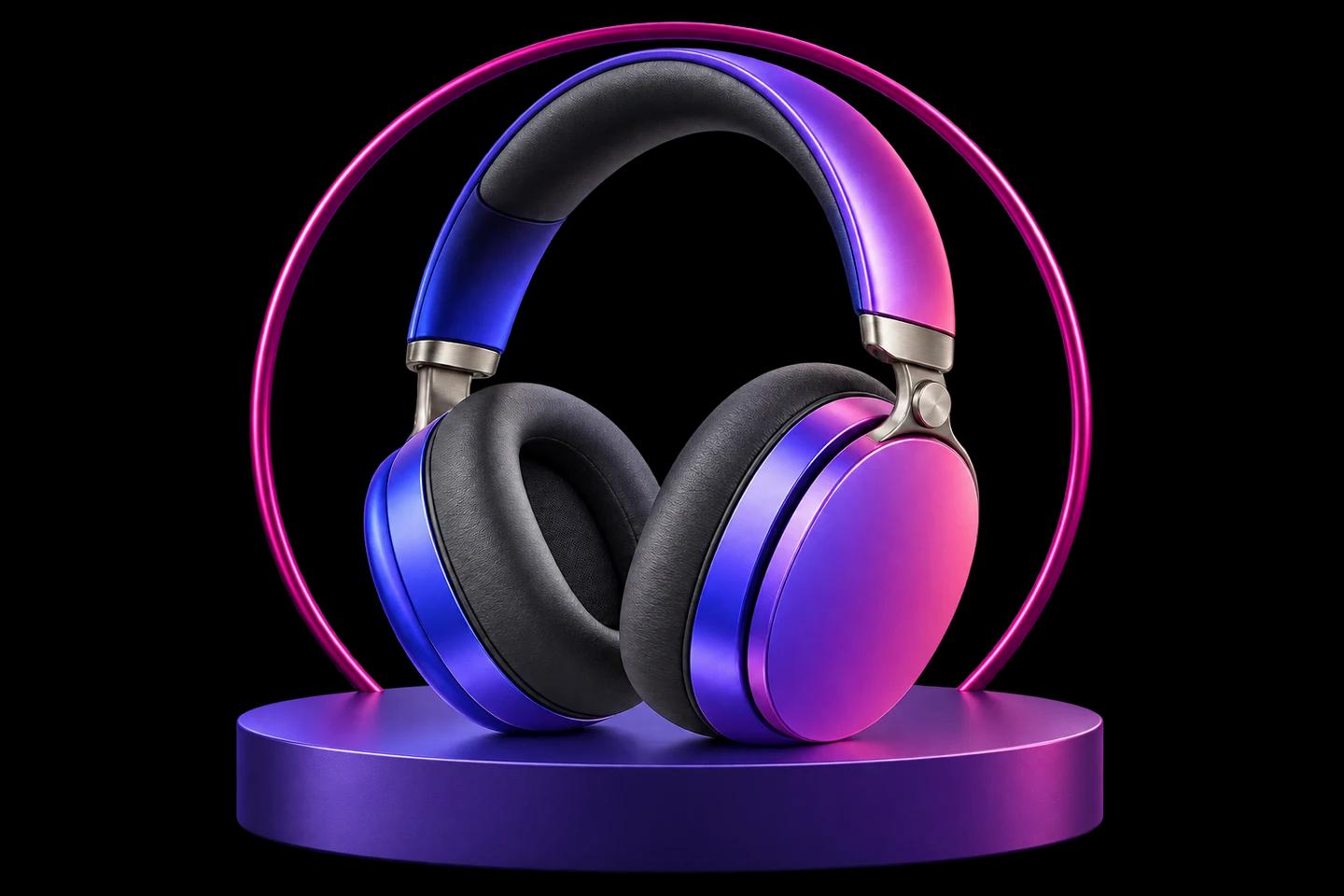
Clean backgrounds in bulk, create color and seasonal variants, meet marketplace image requirements, and generate alt text for every SKU.
Produce consistent, on-brand illustrations for service pages, patient instructions, and campaigns without a design agency for every update.
Adapt one hero visual to every channel and format, keep brand consistency, and move from brief to approved asset in one conversation.
Expose the image agent as an action button inside your admin panel, or call the Fusioni API from your product management system. Staff select a product photo, type the change, and the result is written back to the product record after approval.
Fusioni.mountActionButtons('#product-image-tools', {
  apiBaseUrl: 'https://your-fusioni-api.com/api',
  accessToken: 'your-access-token',
  agencyId: 'your-agency-id',
  tags: ['product-images'],
  actionInputFieldValues: { '*': { product_id: '8842' } },
  onResponse: results => saveProductImage(results)
});Replace manual retouching queues with a governed AI step your team controls, reviews, and can repeat for every new product.